Plugins and Skills
Add specialized capabilities to Nexts, and understand the difference between plugins, Skills, and connected apps.
Three ways to extend Nexts
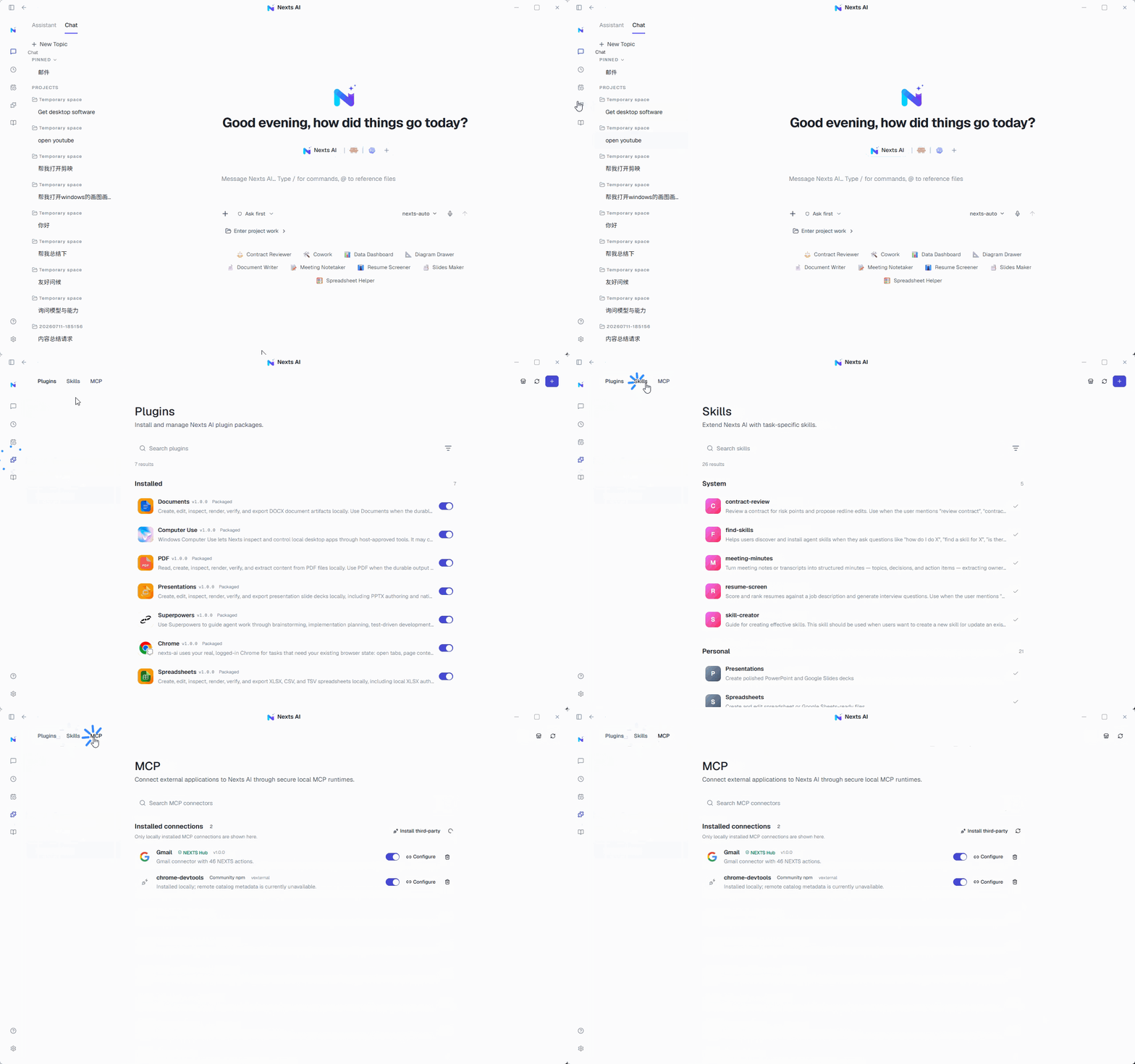
- Plugins: Add a set of UI, tool, or workflow capabilities to Nexts.
- Skills: Reusable instructions and resources that teach the AI how to complete a type of task.
- Connected apps: Let tasks read from or act on external services — email, calendars, browsers — within the scope you authorize.
Before you install
Check the source, permissions, maintenance status, and the scope of data it uses. Installing third-party plugins may require the corresponding account entitlement.
Using them in a conversation
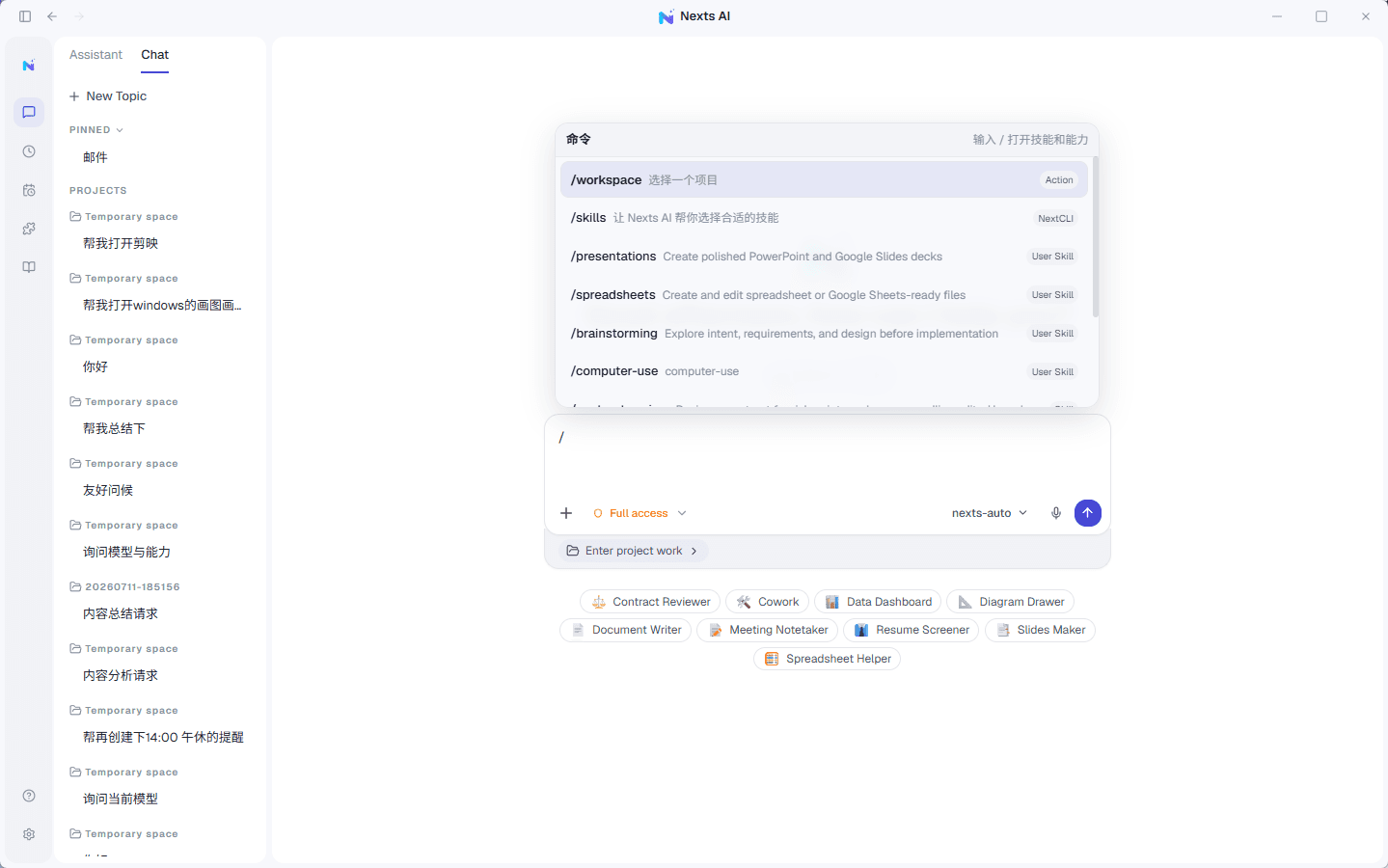
Pick a plugin or Skill from the input menu, or type / to search available commands. Enable only what the current task needs — this keeps unnecessary context and permissions to a minimum.
AI usage
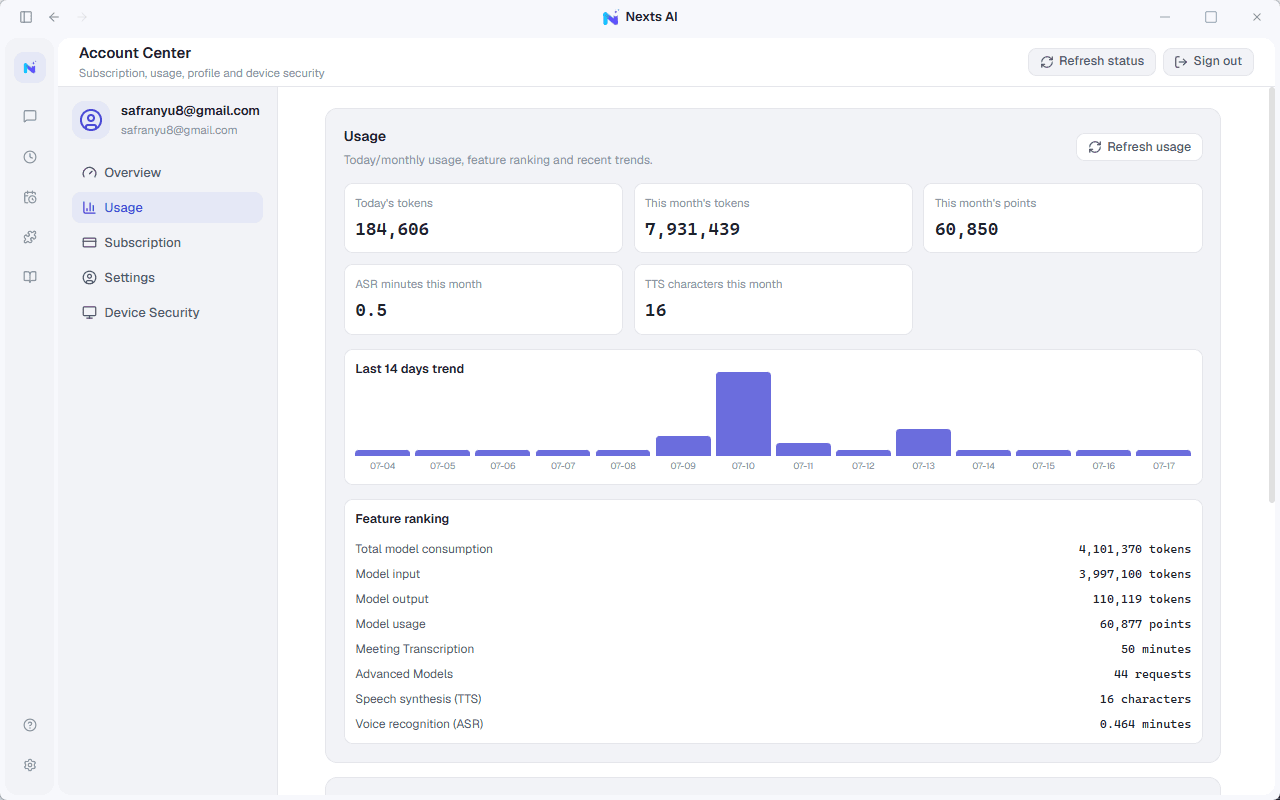
When a plugin uses a premium model, Nexts reports only usage metadata — provider, model, and token counts — to the account service. Private content processed by the plugin is never uploaded.