Five-Minute Quickstart
Sign in to Nexts, set up your first project, and complete a real task.
Before you start
Nexts is a local-first desktop AI work assistant. Project files, conversation history, and most product data stay on your computer. The account service only handles control-plane information such as sign-in, subscriptions, devices, and usage quotas.
Complete your first task
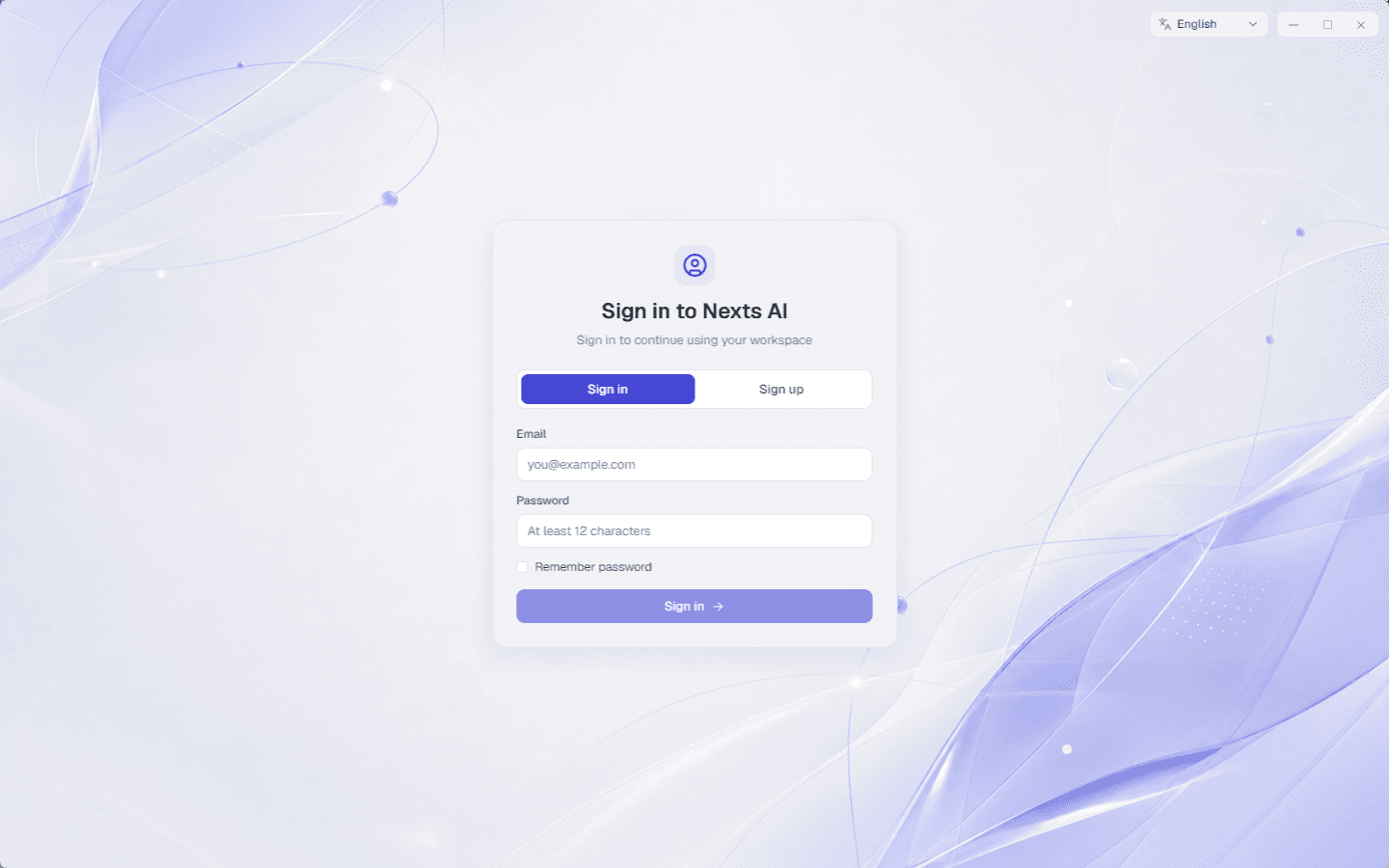
1. Sign in
Launch Nexts and sign in or create an account. Onboarding only appears after you've signed in and reached the workspace.
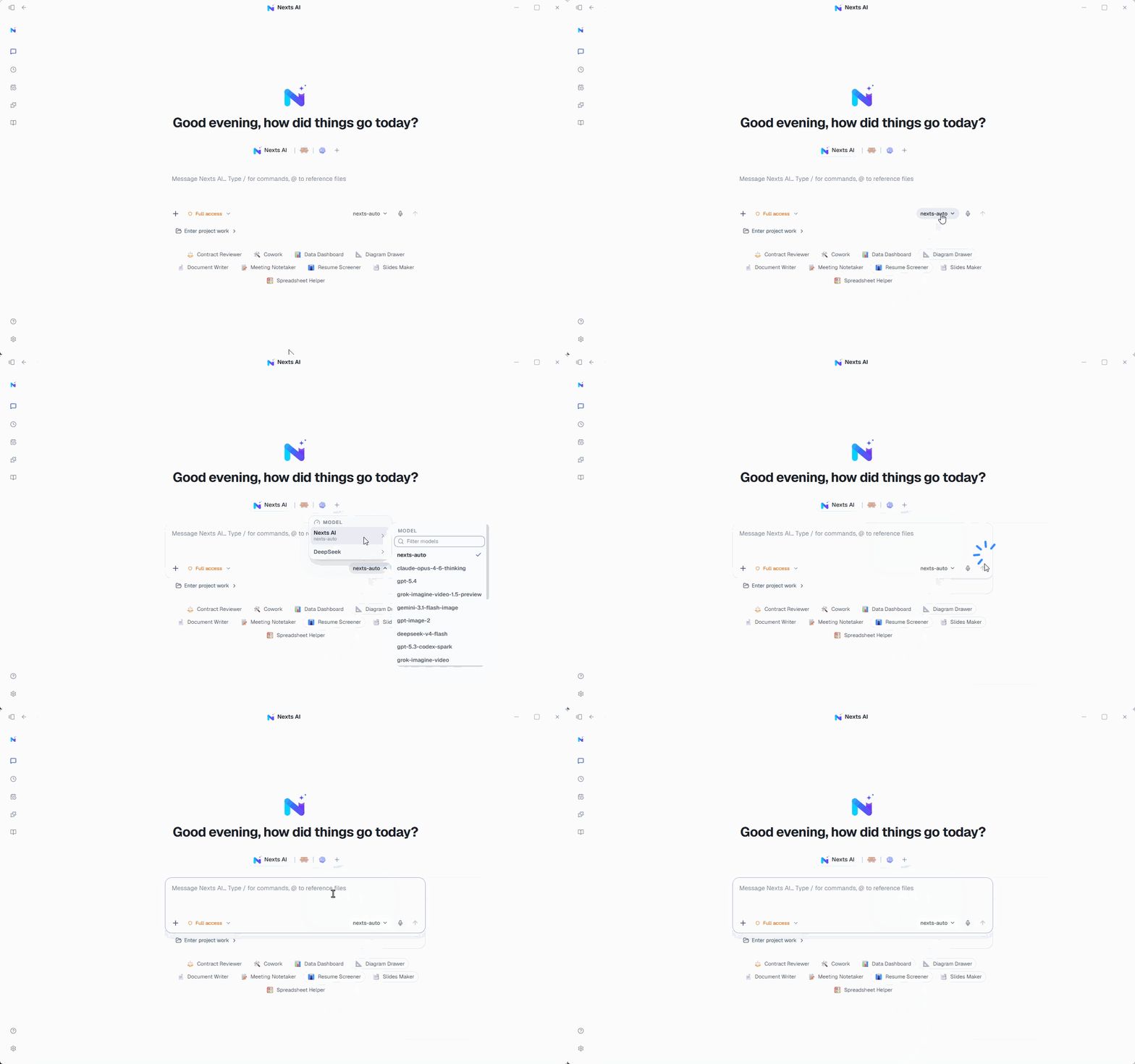
2. Confirm your AI service
A signed-in account can use the official Nexts model service, or you can add your own API key, a local model, or an external CLI later in Settings.
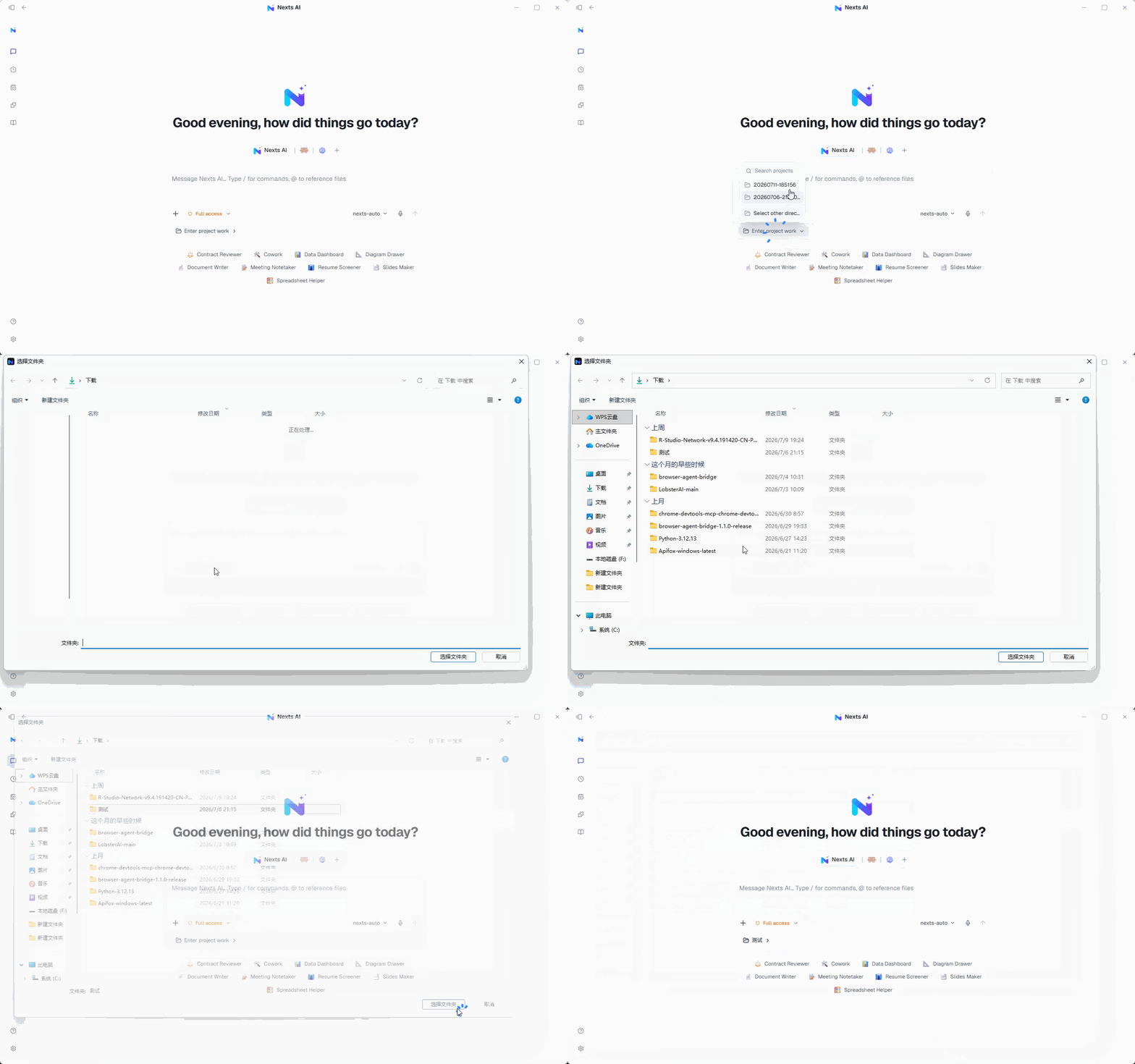
3. Pick a project folder
For long-running work, link a folder to your project. For quick one-off questions, you can skip the project entirely.
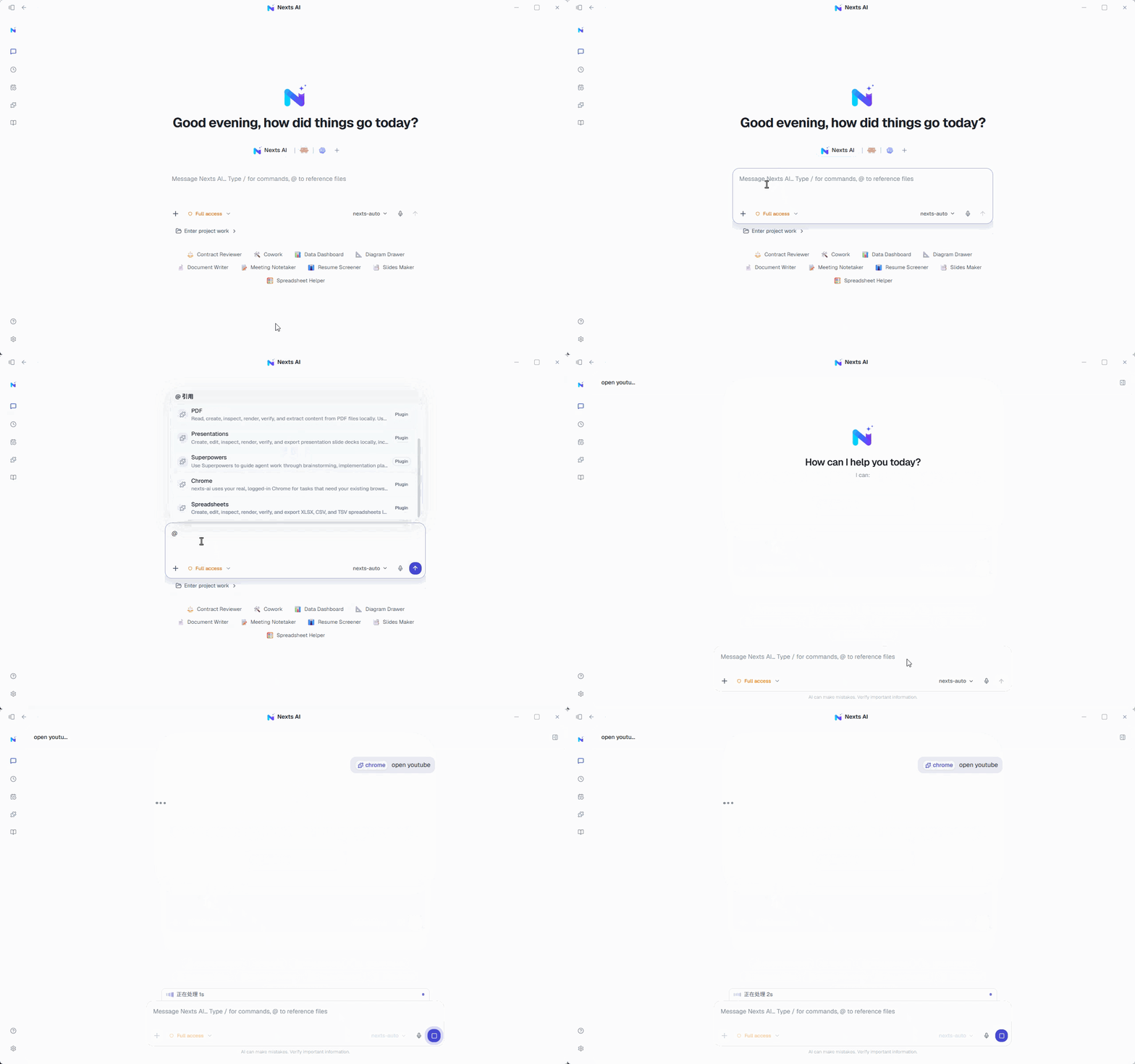
4. Describe your goal
Tell Nexts what you want done right in the input box, and use the attachment button or @ to reference the files it should work with.
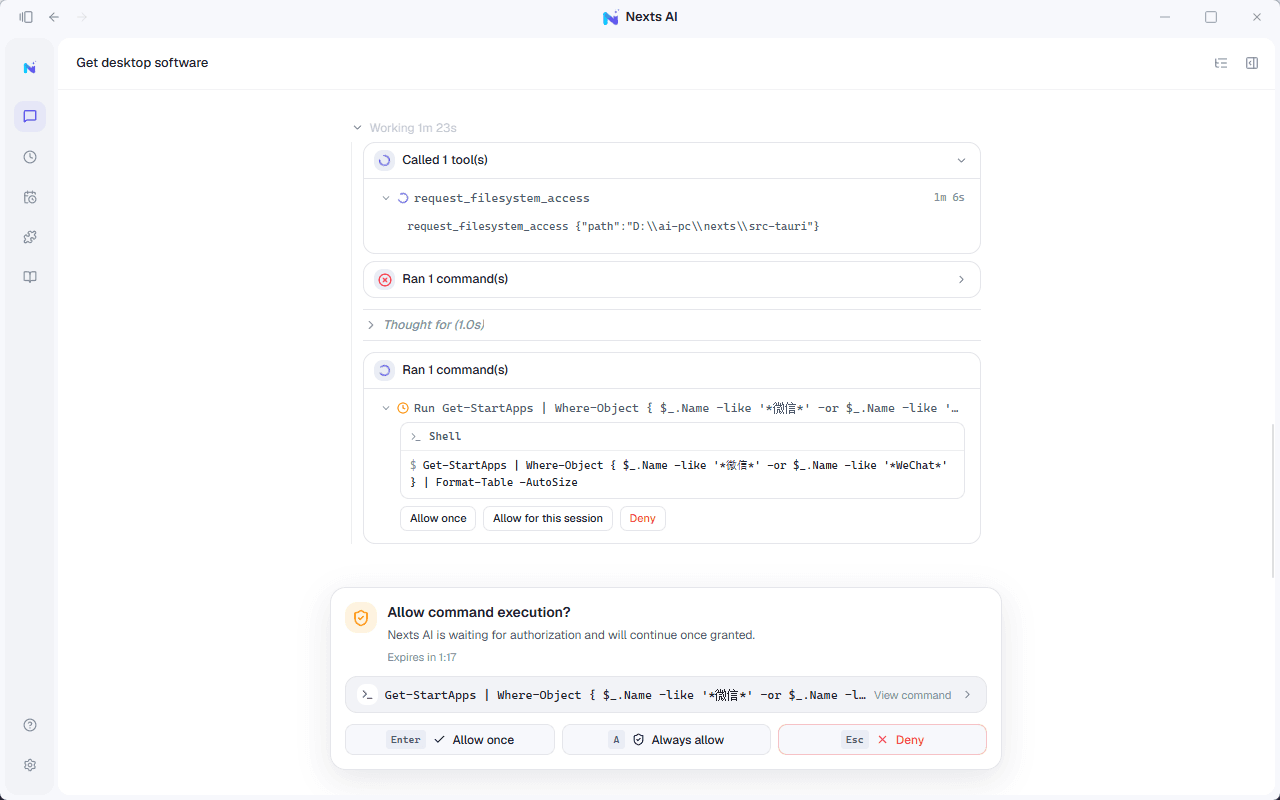
5. Approve sensitive operations
When Nexts writes files, runs commands, or modifies data in external apps, review the prompt and confirm the scope of what you're authorizing.
Good first messages to try
- Summarize the materials in this folder and list what needs to happen next.
- Read the document I attached and extract the key dates, owners, and risks.
- Build me an actionable work plan for this project.